Rouge Dynasty Maya Deposit and Withdrawal: Fees, Limits, and Troubleshooting
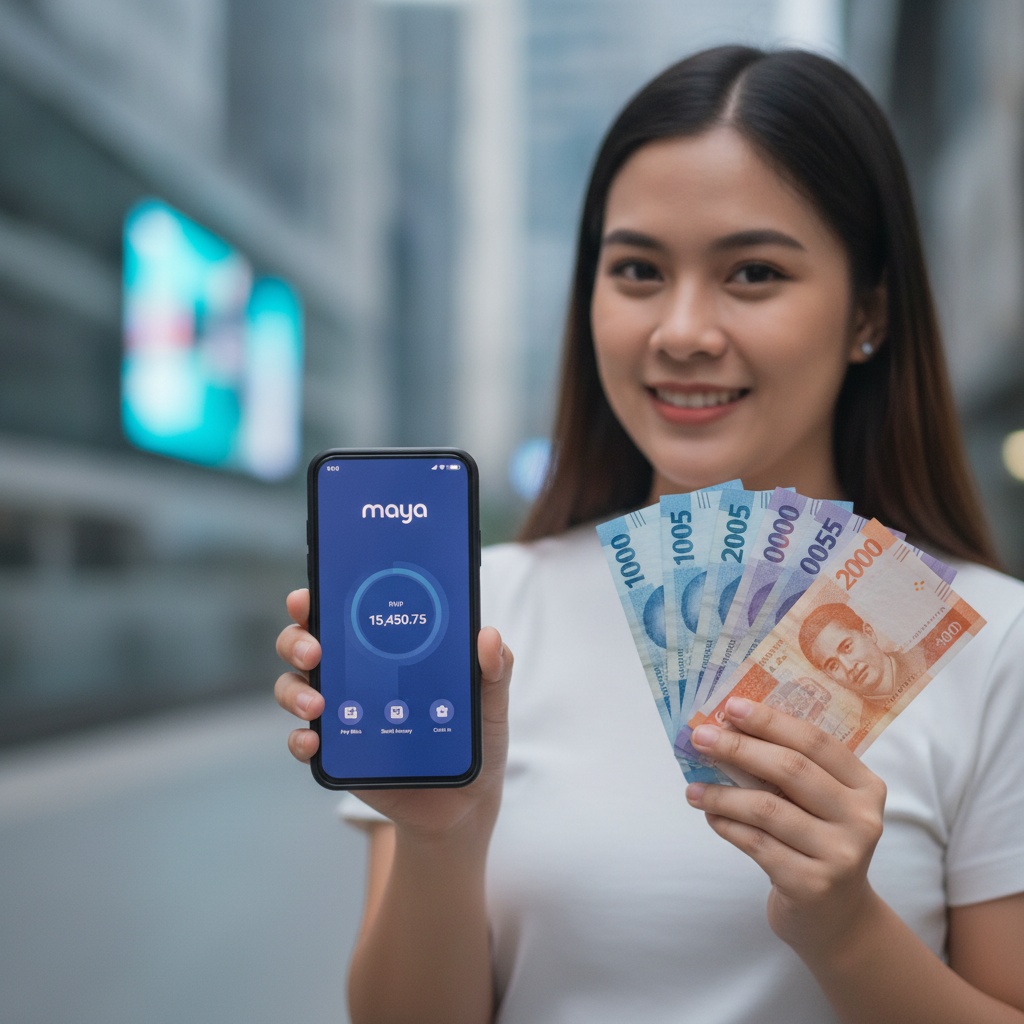
Rouge Dynasty Maya Deposit and Withdrawal: Fees, Limits, and Troubleshooting
Rouge Dynasty accepts Maya wallet for both deposits and withdrawals, making it straightforward for Filipino players to move pesos in and out of their casino account. This guide walks through the exact steps for funding your account with Maya, requesting a cashout, and resolving the most common errors that cause transactions to fail.
This guide is for players 21 and over only. Bet only what you can afford to lose.
How to Add Funds to Rouge Dynasty Using Your Maya Wallet
Maya deposits typically appear in your Rouge Dynasty balance within one to three minutes. Here's how to complete a deposit:
- Log in to your Rouge Dynasty account on your Android phone or browser.
- Tap "Deposit" or "Cashier" from the main menu.
- Select Maya from the list of payment methods.
- Enter the amount in pesos you want to deposit. Most players deposit between PHP 100 and PHP 500 per transaction.
- Review the on-screen summary showing the deposit amount and any applicable fees.
- Tap "Confirm" or "Proceed."
- You will be redirected to the Maya app or web login. If you already have Maya installed, the app will open automatically. If not, you'll see a browser login screen.
- Log in to your Maya account using your PIN, password, or biometric authentication.
- Confirm the payment inside Maya. The recipient and amount should match what you entered on Rouge Dynasty.
- You'll be redirected back to Rouge Dynasty. The deposit should reflect in your casino balance within a few minutes.
If the balance does not appear after five minutes, check your Maya transaction history to confirm the payment went through, then contact Rouge Dynasty customer support with your Maya reference number.
Step-by-Step Maya Withdrawal Request and ID Verification Requirements
Withdrawals to Maya usually take longer than deposits because Rouge Dynasty reviews every cashout request to prevent fraud. Most Maya withdrawals are approved within 24 hours on weekdays, though processing can stretch to 48 hours during weekends or holidays.
Requesting a Maya Withdrawal
- Log in to Rouge Dynasty and navigate to the "Withdraw" or "Cashier" section.
- Select Maya as your withdrawal method.
- Enter the amount you want to cash out. Make sure it falls within the daily and per-transaction limits (covered below).
- Enter your registered Maya mobile number. This must match the mobile number linked to your Maya account and the number you used during Rouge Dynasty registration.
- Double-check the mobile number. Account mismatches are the most common reason withdrawals fail.
- Submit your request. You'll receive an on-screen confirmation with a transaction reference number.
ID Verification Before Your First Withdrawal
Rouge Dynasty requires identity verification before processing your first cashout. Even if you deposited using Maya without uploading documents, you must verify your identity to withdraw.
Documents typically required:
- A clear photo of a valid government-issued ID (Philippine passport, driver's license, UMID, or postal ID).
- A selfie holding your ID next to your face.
- Proof of your registered mobile number (a screenshot of your Maya account showing your name and number, or a recent utility bill).
Upload these documents through the "Account" or "Verification" section in your Rouge Dynasty profile. Verification usually takes 12 to 48 hours. You will not be able to withdraw until your account is verified, so submit documents as early as possible.
Fees Charged by Rouge Dynasty or Maya, and Daily Cashout Limits
Deposit Fees
Rouge Dynasty does not charge a fee for Maya deposits. Maya itself does not charge a fee when you send money to a merchant or casino, so most deposits are fee-free. However, if you need to cash in to your Maya wallet first—using a bank transfer, 7-Eleven, or remittance center—Maya's standard cash-in fees apply.
Withdrawal Fees
Rouge Dynasty may charge a small processing fee on Maya withdrawals, typically PHP 15 to PHP 50 per transaction. The exact fee is displayed on the withdrawal confirmation screen before you submit your request. Maya does not charge a fee to receive funds into your wallet.
Some players report zero withdrawal fees during promotional periods or for VIP-tier members. Check the terms in your Rouge Dynasty account dashboard or ask live chat if you're unsure.
Daily and Per-Transaction Limits
- Minimum withdrawal: PHP 100 or PHP 200, depending on your account status.
- Maximum per transaction: PHP 10,000 to PHP 50,000, varying by player tier and verification level.
- Daily limit: Most verified accounts can withdraw up to PHP 50,000 per day across all payment methods combined.
Higher limits may apply if you reach VIP status or have a long account history. If you try to withdraw more than your limit, the system will reject the request and display an error message.
Fixing 'Transaction Failed' or 'Account Mismatch' Errors
Transaction Failed
A "transaction failed" error can appear during deposit or withdrawal. Here's what usually causes it and how to fix it:
During deposit:
- Insufficient Maya balance. Open your Maya app and confirm you have enough pesos to cover the deposit amount.
- Maya app or server downtime. Try again in 10 to 15 minutes. You can check Maya's official Facebook page or Twitter for service announcements.
- Outdated Maya app. Update Maya to the latest version from Google Play Store or the App Store.
- Unstable mobile data or Wi-Fi. Switch networks or move to a location with stronger signal, then retry.
During withdrawal:
- Unverified Rouge Dynasty account. Upload your ID and wait for approval before retrying.
- Pending wagering requirements. If you claimed a bonus, you may need to complete rollover requirements before cashing out. Check the "Bonus" or "My Offers" tab for details.
- Exceeding daily or per-transaction limits. Lower the withdrawal amount and try again.
Account Mismatch
An "account mismatch" error means the mobile number on your withdrawal request does not match the number registered to your Rouge Dynasty account, your Maya wallet, or both.
How to fix it:
- Open your Maya app and go to your profile to confirm the registered mobile number.
- Log in to Rouge Dynasty, go to "Account" or "Profile," and check the mobile number on file.
- Both numbers must be identical. If they differ, update your Rouge Dynasty profile or contact customer support to request a manual correction. You may need to provide ID and a screenshot of your Maya account.
- Resubmit your withdrawal once the numbers match.
If you recently changed your phone number in Maya, allow 24 hours for the update to sync, then try the withdrawal again.
Withdrawal Pending for More Than 48 Hours
If your cashout request shows "pending" for longer than two business days:
- Check your email and SMS for verification requests from Rouge Dynasty. Sometimes the team asks for additional documents or clarification.
- Contact live chat or email support with your transaction reference number, registered mobile number, and the amount you're trying to withdraw.
- Avoid submitting duplicate requests. Multiple pending withdrawals can confuse the system and delay processing further.
21+ Only; Bet Only What You Can Afford to Lose
Rouge Dynasty is intended for players aged 21 and over. Online gambling carries financial risk, and there is no guarantee of winnings. Set a budget before you play, and never deposit money you cannot afford to lose.
If you feel you're spending too much time or money on casino games or sports betting, consider setting deposit limits in your account settings or reaching out to a responsible gambling helpline in the Philippines.
Final Checklist for Smooth Maya Transactions on Rouge Dynasty
- Keep your Maya app updated and your wallet funded before depositing.
- Verify your Rouge Dynasty account with valid ID before requesting your first withdrawal.
- Use the same mobile number across Rouge Dynasty and Maya to avoid mismatch errors.
- Double-check amounts, numbers, and limits on the confirmation screen before submitting any transaction.
- Save your transaction reference numbers and contact support immediately if a deposit or withdrawal does not process as expected.
By following these steps and troubleshooting tips, you can move pesos in and out of Rouge Dynasty reliably using your Maya wallet—whether you're playing slots, live dealer games, or betting on PBA and NBA from Metro Manila or the provinces.