Rouge Dynasty Login Problems: Fix 'Incorrect Password' and Account Locked Errors
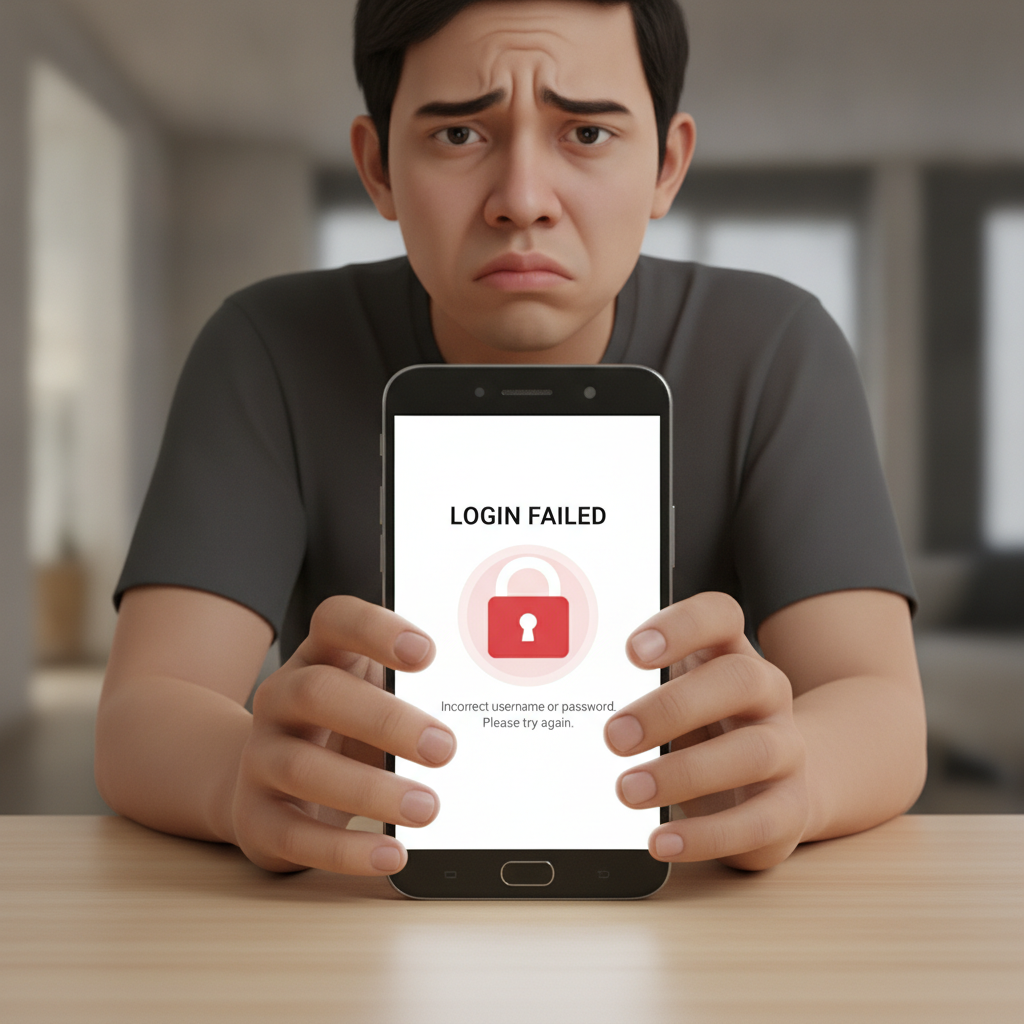
Common Rouge Dynasty Login Error Messages and What They Mean
When trying to access your Rouge Dynasty account on your phone, you may encounter several error messages. Understanding what each one means helps you solve the problem faster.
"Incorrect username or password" is the most common message. It appears when the mobile number or password you entered does not match what Rouge Dynasty has on file. This can happen if you mistyped, used the wrong mobile number, or if your password was changed recently.
"Account temporarily locked" or "Too many failed login attempts" means the system blocked access after several wrong password tries. Rouge Dynasty locks accounts automatically to protect against unauthorized access. The lock is usually temporary.
"Account suspended – contact support" indicates a more serious issue. The platform may have suspended your account for verification checks, incomplete documents, or potential terms-of-service concerns. You cannot unlock this yourself.
"Session expired – please login again" happens when you have been inactive too long or when the app's authentication token expires. Simply close the app completely and reopen it to login fresh.
"Unable to connect" or "Network error" is not always your fault. Rouge Dynasty's servers may be undergoing maintenance, or your mobile data or Wi-Fi connection may be unstable. Check your internet connection first, then try again after a few minutes.
How to Reset Your Password If You've Forgotten It
If you cannot remember your Rouge Dynasty password, the platform offers a self-service reset process through the mobile app or website.
Step 1: Open the Rouge Dynasty login screen on your Android phone or browser. Below the password field, tap "Forgot Password?" or "Reset Password".
Step 2: Enter the mobile number you used to register your account. Make sure it matches exactly—include the +63 country code if required, or enter it in the format Rouge Dynasty expects (usually 09xx xxx xxxx).
Step 3: Tap "Send OTP" or "Send Reset Link". Rouge Dynasty will send a one-time PIN via SMS to your registered mobile number. This typically arrives within one to two minutes. If you do not receive it, check that your phone can receive texts and that you entered the correct number.
Step 4: Enter the OTP in the app when prompted. Some versions of the Rouge Dynasty platform may send a reset link instead; tap the link in the SMS to open a secure page.
Step 5: Create a new password. Use a mix of uppercase and lowercase letters, numbers, and a special character if allowed. Avoid reusing old passwords or simple patterns like "123456" or "password". Write it down in a safe place or save it in your phone's password manager.
Step 6: Confirm the new password by typing it again, then tap "Submit" or "Reset Password". You should see a confirmation message. Close the app fully, reopen it, and log in with your new credentials.
If the OTP does not arrive after several attempts, your registered mobile number may be out of service or incorrect. In that case, contact Rouge Dynasty support directly (see the section below).
Steps to Unlock Your Account After Multiple Failed Login Attempts
Rouge Dynasty temporarily locks accounts after three to five consecutive incorrect password entries. This is a security measure to prevent brute-force attacks.
Wait period: Most temporary locks last 15 to 30 minutes. The exact duration is not publicly documented, but players typically regain access within half an hour without taking any action. Close the app, wait, then try again.
Do not keep trying: Repeatedly entering passwords during the lock period can extend the lockout or trigger a longer suspension. Be patient.
Clear app cache (Android): If the lock persists beyond 30 minutes, go to Settings > Apps > Rouge Dynasty > Storage > Clear Cache. This removes temporary files that may be storing the error state. Do not clear data, as that will log you out of any saved sessions and may require re-verification.
Use a different network: Sometimes switching from Wi-Fi to mobile data, or vice versa, helps reset the connection and bypass a stale lock message.
Password reset during lockout: If you realize you have been entering the wrong password, use the "Forgot Password?" flow described above. Resetting your password can immediately lift a temporary lock tied to failed attempts, because the system registers new valid credentials.
If the account remains locked after 60 minutes and you are certain your password is correct, the lock may be manual. Proceed to contact support.
Contacting Rouge Dynasty Support for Verification or Suspension Issues
When an account is marked "suspended" or when login problems persist despite correct credentials, you need help from Rouge Dynasty's support team.
Live chat: Open the Rouge Dynasty website or app (if you can access it without logging in fully) and look for a chat icon, usually in the bottom-right corner. Live chat is the fastest way to reach support. Agents are typically available daily, though response times vary during peak hours (evenings and weekends).
Email support: Send a message to the official Rouge Dynasty support email address listed on their Contact or Help page. Include your registered mobile number, a description of the error message, and a screenshot if possible. Response times range from a few hours to one business day.
What to include in your message:
- Your registered mobile number (do not share your password)
- The exact error message you see
- Steps you have already tried (password reset, cache clearing, waiting period)
- Whether you recently changed your phone number, email, or uploaded new verification documents
Verification delays: If Rouge Dynasty asks for additional ID documents—such as a selfie with your valid ID, proof of address, or a bank statement—submit clear, readable photos. Blurry or cropped images delay approval. Most verifications complete within 24 to 48 hours on business days.
Account suspensions: If your account was suspended for a suspected terms violation, support will explain the reason and what you need to do. Common triggers include multiple accounts under one name, use of VPNs to mask location, or chargebacks on GCash or Maya deposits. Be honest and provide any requested documents promptly.
Do not create a second account while waiting for your original account to be unlocked. Operating multiple Rouge Dynasty accounts violates the platform's terms and can result in permanent bans and forfeiture of balances.
Preventing Future Login Issues
Once you regain access, take a few steps to avoid repeat problems:
- Save your password securely: Use your phone's built-in password manager or a notes app with a screen lock.
- Enable biometric login if available: Some versions of the Rouge Dynasty Android app support fingerprint or face unlock, reducing the need to type passwords.
- Keep your mobile number active: Rouge Dynasty ties your account to your registered phone number for OTPs and password resets. If you change numbers, update your account details immediately through the profile or settings menu.
- Complete verification early: Upload a valid government ID and proof of address as soon as Rouge Dynasty requests them. Verified accounts face fewer locks and faster withdrawals.
- Use a stable internet connection: Logging in over flaky public Wi-Fi can trigger security alerts. Use your mobile data or a trusted home network when possible.
21+ Only; Play Responsibly
Rouge Dynasty is strictly for players aged 21 and above. Online gambling involves real money and real risk. If login issues are causing frustration, take a break. Never chase losses or borrow money to deposit.
If you or someone you know is struggling with gambling, seek help from a local support organization. Set deposit limits in your Rouge Dynasty account settings and stick to a budget you can afford to lose. Gambling should be entertainment, not a way to make money.